Anton is a personal speaking trainer, not another deck of stock flashcards. Type a sentence you care about — Anton translates it, writes out the pronunciation, speaks it aloud, and drills it back at you until it comes out of your mouth without thinking.
No app store, no card details. Works in your browser and installs to your phone.
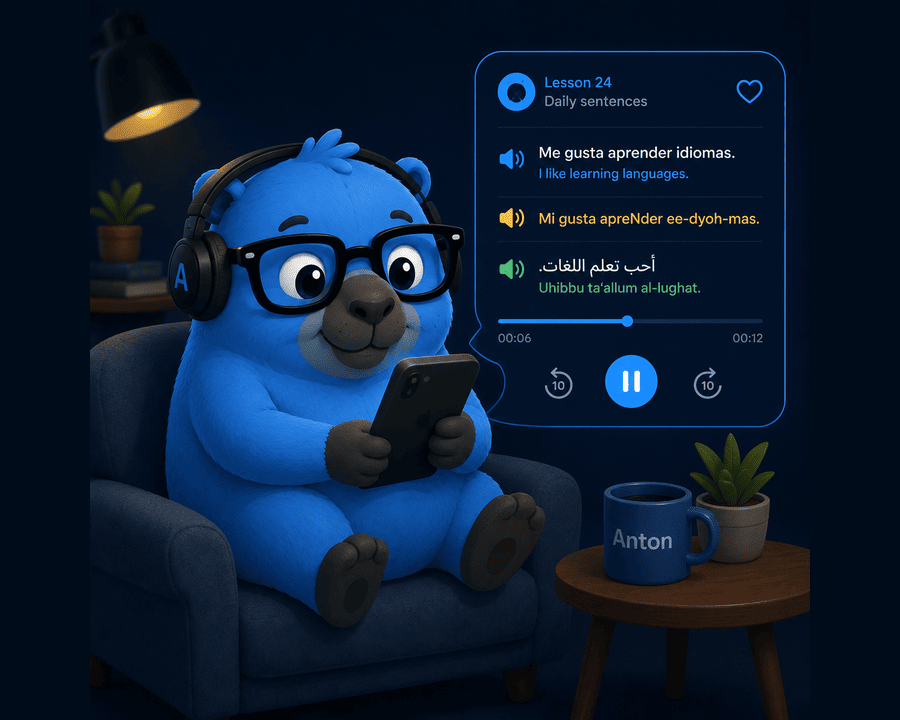
The problem
The useful phrases from your lesson end up in a notebook. The ones from a conversation end up in a WhatsApp message to yourself. The good one your partner's mother said ends up nowhere at all.
Making proper cards out of them — with a translation, the pronunciation written out, and audio you can actually copy — takes so long that nobody does it. That's the entire job Anton takes off your hands.
The goal isn't 10,000 words.
It's a few hundred sentences that are genuinely yours — the things you need to say to your tutor, your in-laws, the guy at the bakery — practised often enough that they arrive without translating in your head first.
Anton is built for that, and nothing else.
How it works
Anton is a loop: collect what you want to say, give it a voice, then practise it on a schedule that pushes the shaky ones back in front of you.
Write it in your own language or the one you're learning. Anton fills in the translation instantly, so a card takes seconds instead of a coffee break.
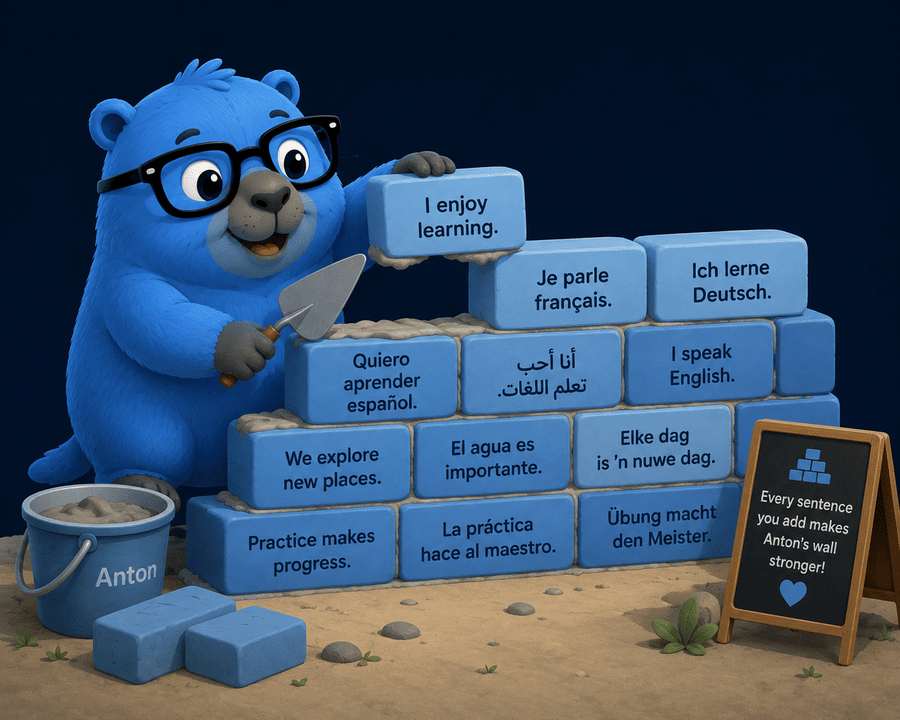
Reading a sentence isn't learning to say it. Anton generates natural text-to-speech audio for a card, and you can record your own version next to it — your tutor's voice, your partner's, or your own attempt to compare against.
 Everyday phrases
Level 3
Everyday phrases
Level 3
Knowledge level 3 of 5 — Anton will bring this one back soon.
Pick how you want to be tested, say the answer aloud, then rate how it went. Anton keeps score across five levels of "how well do I know this" and quietly keeps feeding you the ones that wobble.
What's in the box
One account, any device. Your sentences live on the server, so the phone and the laptop always agree.
One sentence in, a finished two-sided card out. No copying between tabs.
Arabic cards get a readable pronunciation line in your chosen dialect — Syrian by default.
AI text-to-speech for every card, plus your own recordings when a real voice matters.
Card counts, known-word totals and a CEFR ladder that moves as your library grows.
The shaky sentences come back more often. The solid ones get out of your way.
Add Anton to your home screen on iPhone, Android, Mac or Windows. No app store involved.
Link a teacher and student account and the deck opens up between them. Whatever card clicks, the student keeps with one tap.
Every account starts with 14 days of full access — no card required. Prices in South African Rand, billed through PayFast.
Download & install
Anton is a web app that installs itself. Open it once, add it to your home screen, and it behaves like any other app — full screen, its own icon, no browser bar.
14 days free, full access, no card required.
Create your accountQuestions
Anton translates into whichever target language you set in Settings, and it's built with spoken Arabic in mind — Arabic cards get an arabizi pronunciation line in the dialect you choose, Syrian by default. Spanish, French, German, Dutch and the rest work the same way, minus the transliteration.
14 days full access, free, no card required. After that, Pro is R99/month or R649/year (about R54/month) — see Pricing above. If you don't subscribe, your account doesn't get deleted: it goes read-only, so every card you've made stays visible and playable.
No. Anton handles the AI side for you. If you're the kind of person who'd rather bring your own key, there's a setting for that too.
On the Anton server, tied to your account, so your phone and your laptop show the same library. Sign in anywhere and everything's there — including your audio.
The capybara is non-negotiable. Beyond that: Anki makes you build the cards, and building a good sentence card with translation, pronunciation and audio is the part everyone quits at. Anton builds it for you and is designed around saying things out loud rather than clicking "good".
Add ten sentences tonight. Anton will make sure you still have them next month.
To install Anton on your device:
Tap the Share button, then choose Add to Home Screen.